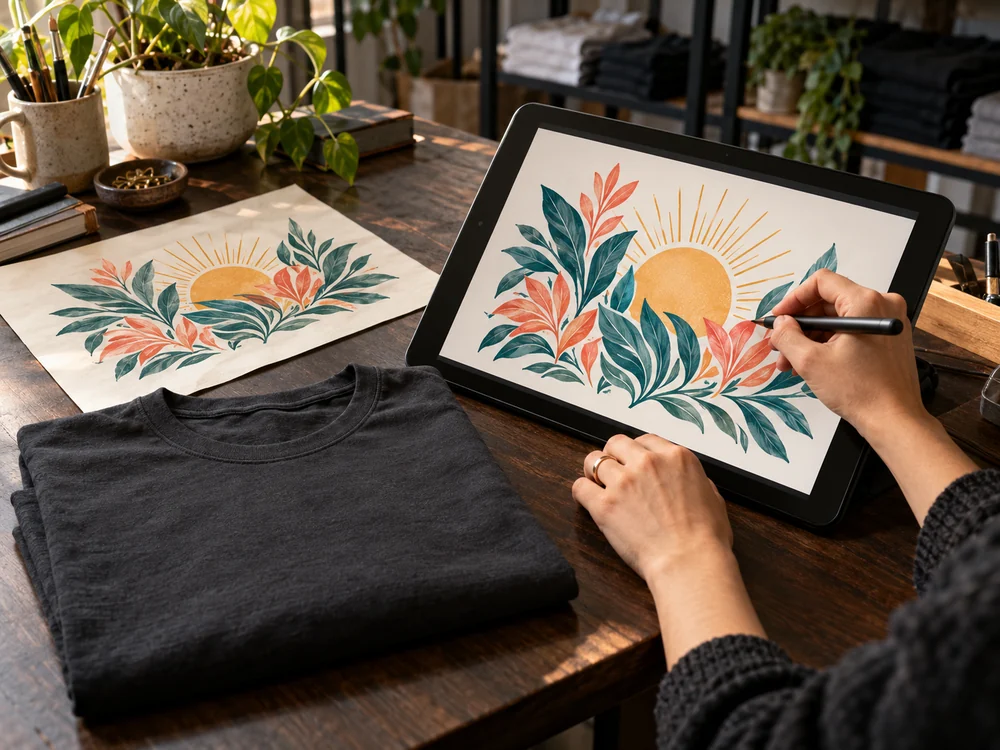
Start with the original.
Use the original design file or the highest-quality export you have. A screenshot or image saved from a social feed may lose detail or pick up compression marks. Enlarging a small image does not bring the missing detail back.
Think in print size.
A file’s pixel dimensions matter in relation to the physical size you want to print. For example, artwork that is 3,000 pixels wide gives 300 pixels per inch at a width of 10 inches. Treat that as a useful preparation target; the requirements of the selected garment and print area take priority.
Keep the background intentional.
If you want the shirt color to show around the design, export artwork with transparency where the designer supports it. A white rectangle inside an image is part of the artwork and may print along with the design. Look closely at the outer edges before uploading.
Check the details at actual size.
- Make sure lettering is readable and important lines are not too fine.
- Check for stray marks, unwanted borders, or empty space around the artwork.
- Keep essential details inside the garment’s allowed print area.
- Check front and back placement separately, when both are available.